Before you start
Have your card, a phone with Internet and the details you want to show: name, job title, number, WhatsApp, email, links. A photo or a logo helps, but it is optional.
The five steps
Create your account
Go to huzaa.link/account and enter your email address. We send you a six digit code. Type it in and you are signed in, with no password to remember.
Tip: Use the email you check most often. It is how you sign back in.
Fill in your profile
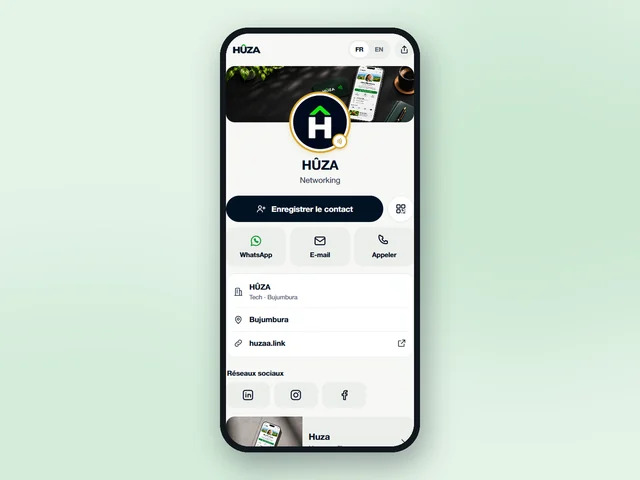
Add your name, job title, company, phone, WhatsApp and links. Choose what you want to be visible. Clients will see exactly this page when they open your card.
Tip: Start with the essentials. You can complete the rest later without touching the card.
Activate your card
Hold the card to your phone, or scan the QR code on the back. An activation page opens with your card code. Pick the profile to link, then confirm. The card is yours from that moment. The 25 mm NFC sticker activates the same way: hold it to your phone, pick the profile and confirm.
Test it
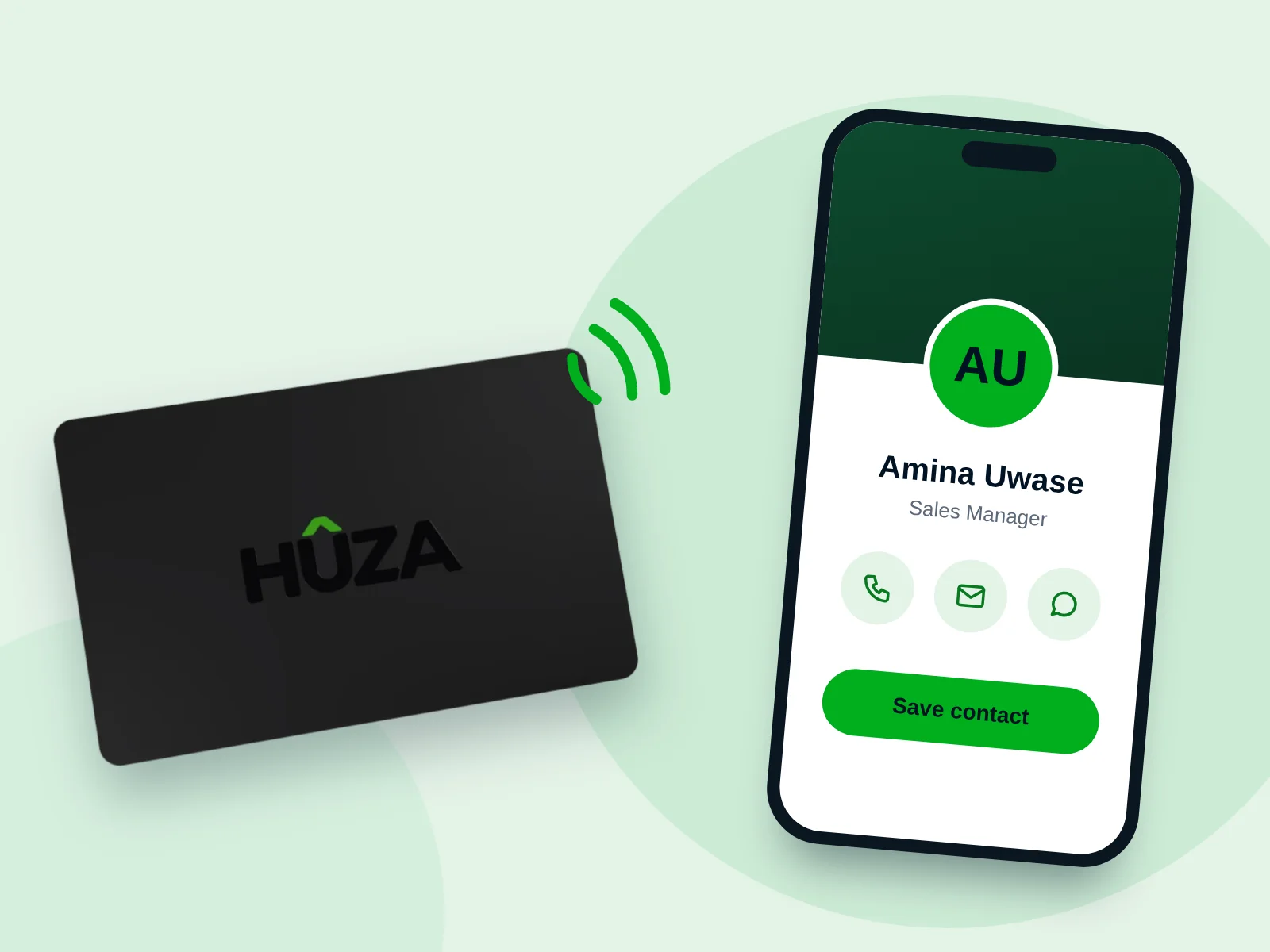
If you can, use someone else's phone. Hold the card to the upper back of the device and wait a second. Your profile should open. Try the QR code too, then the button that saves the contact.
Tip: If nothing happens, check that NFC is switched on in settings and take off a thick case.
Share it
Hand the card over, or let your client touch it with their phone. You can also send your profile link in a message for people who are not in front of you.
If something does not work
- The phone does not react: switch NFC on, unlock the screen and slowly move the card across the upper back, where the antenna sits.
- An older iPhone does not read the card: use the QR code on the back, it opens the same profile.
- The activation page says the card is already taken: it is linked to another account. Write to us and we will check it with you.
- You lost access to your account: sign in again with the same email and a new code will be sent.
After setup
Your details stay editable at any time, and the card never needs reprinting. You can also link the same card to a different profile from your account if your work changes.